
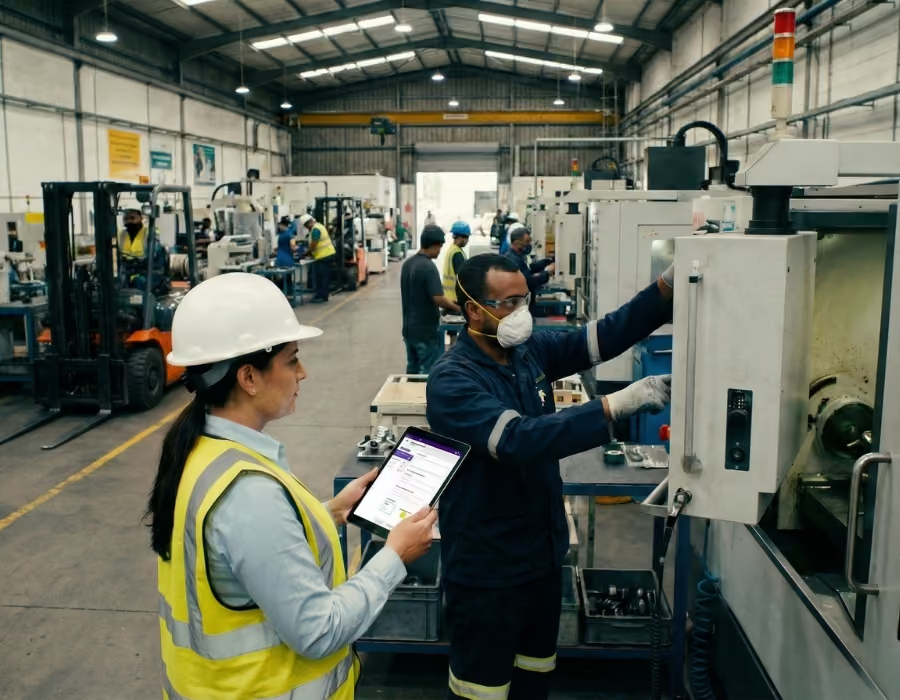
Workplace safety is not optional; it is a requirement! At the heart of this process lies a central tool, often misunderstood yet essential: the Single Occupational Risk Assessment Document (DUERP), commonly known as the Single Document.
Often viewed by business owners and HR managers as a heavy administrative burden, the Single Document is actually the essential element of any corporate prevention policy. More than just an inventory, it is a performance driver for ensuring employee safety.
In this comprehensive guide updated for a smooth 2026, we will break down everything you need to know about the Single Document: from the strict legal framework to assessment methodologies, including the new requirements of the 2021 Occupational Health Act and the benefits of digitalization. After reading this article, you will have everything you need to ensure the safety of your employees.
What is the Single Document (DUERP)? Definition and legal framework
The Single Document is the written record of the occupational risk assessment (EvPR). It is not just a form to fill out, but the culmination of a structured process aimed at ensuring safety and protecting the physical and mental well-being of workers.
A requirement from the very first employee
Contrary to a persistent misconception, the obligation to maintain a Single Document does not depend on the size of the company or its sector of activity. In accordance with the Labor Code, the employer must create and update a Single Document as soon as the first employee is hired. This means that from the moment the very first employee is hired (even part-time or on a fixed-term contract), the Single Document is mandatory. It can be created in paper format or via spreadsheets, though these are complicated to manage, or be digital for greater simplicity.
The content of the Single Document
To be compliant, your Single Document must include the following information:
- Identification of hazards: What could cause harm? (Noise, chemicals, stress, falls from heights, etc.).
- Risk analysis: Under what conditions are employees exposed to these hazards?
- Inventory of prevention measures: What actions are already in place and what is planned for the future?
We want to emphasize that the Single Document is not a static document. It must be a "living" one. Indeed, a document created in 2015 that has never been opened since will have no legal standing in the event of an accident.
When should you update your Single Document?
The regulations are very strict regarding timing. The Single Document must be updated:
- At least once a year (mandatory for companies with more than 11 employees, but highly recommended for all sizes)
- When a significant change occurs that affects working conditions, health, or safety for one or more employees (e.g., new machinery, restructuring, relocation, new procedures, etc.)
- If new information becomes available that impacts a risk assessment (e.g., the emergence of a new occupational disease)
Please note: Updating does not simply mean changing the date on a cover page; it refers to a re-evaluation of risk ratings and a review of the action plan's progress.
Crucial stakes for the employer
- Criminal and civil liability
In the event of a workplace accident, it is important to remember that the single risk assessment document (DUERP) will be the first document requested. If the risk that caused the accident is not listed, if no preventive action was implemented, or if the document does not exist, the employer may be held liable.
- Administrative penalties
If you do not have a single risk assessment document or if it is not up to date, be aware that you are exposing yourself to penalties. A 5th-class fine may be imposed, specifically €1,500 per work unit or per employee concerned, and €3,000 for repeat offenses within one year.
- The hidden and overlooked economic impact
A poorly managed single risk assessment document means exposing yourself to rising accident rates. If your company has a high rate of workplace accidents, your payroll costs are directly affected. Investing in a risk assessment management tool like Deemply allows you to easily manage your prevention efforts, thereby limiting costs related to workplace accidents and increasing productivity.

2021 Occupational Health Law: what has changed for the single risk assessment document
The Law of August 2, 2021 (which came into effect in March 2022) has transformed the management of the single risk assessment document, and if you are still using Excel spreadsheets, you are likely non-compliant!
Retention and traceability requirements
This requirement is the key measure; from now on, all successive versions of the single risk assessment document must be kept for at least 40 years. The goal of this measure is to ensure the traceability of risk exposure (particularly chemical risks) throughout an employee's career.
- The problem with Excel spreadsheets: How do you store and organize files without losing them?
- The solution with Deemply: Automatic and secure archiving of elements within the tool guarantees effortless compliance.
The link to the action plan
Simply listing an inventory on a spreadsheet page is no longer sufficient; the law now requires an "after":
For companies with fewer than 50 employees: the DUERP must result in a mandatory list of prevention actions.
For companies with more than 50 employees: a more complex document is required, known as the PAPRIPACT (Annual Program for Occupational Risk Prevention and Improvement of Working Conditions).
With Deemply, you can generate these documents in just two clicks and easily ensure your compliance, unlike with spreadsheets and other paper-based tracking methods.
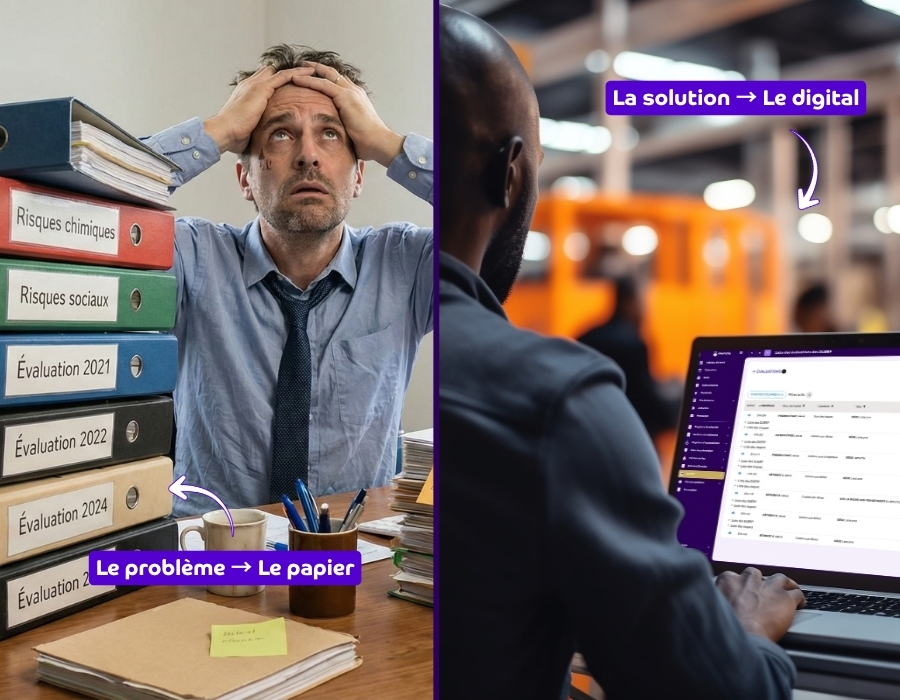
Why is a spreadsheet the enemy of your single document?
For years, the spreadsheet was the default tool; in 2026, it is a risk in itself. Our experts explain why this is a strategic mistake.
A time-consuming and static single document
Updating a complex spreadsheet document, with broken macros, disappearing rows, and multiplying versions (V1, V1_final, V1_final_validated), is an administrative nightmare, and above all, a major source of errors and therefore increased risk. The time spent formatting the file is also time lost in the field that could have been used for actual prevention.
No collaborative work
Prevention is everyone's business within a company. So how can you involve managers in the field when the file is stored in a spreadsheet on an HR server? It's impossible. The result: the DUERP is disconnected from the reality on the ground, and accidents happen.
Flawed action plan tracking
A spreadsheet doesn't send you reminders or notifications when an action is overdue. It also doesn't allow you to assign tasks to a team member and notify them. The main reason plans go unfinished is simple: tracking is impossible, and actions are forgotten.

The solution to all these issues? Going digital!
Switching to specialized software like Deemply allows you to:
- Centralize information and make it accessible to everyone
- Automate updates and ensure compliant archiving
- Generate and easily manage your action plan
- Save time on administrative management for QHSE
- Spend more time in the field and reduce risks
Conclusion
The single document is not just an administrative burden added to the daily lives of QHSE professionals. It is a reflection of the safety measures in place for your employees. Neglecting it means exposing your company to major legal and financial risks, and exposing your employees to accidents.
In today's professional landscape, manual management using paper or spreadsheets has reached its limits. Going digital allows you to turn this necessity into a genuine opportunity. You will free up time for what truly matters.
In 2026, don't leave risk management to chance—take it to the next level!
Discover how Deemply turns your risk assessment document into a powerful HR and QHSE management tool
Switch to paperless compliance
Safety register, DUERP, health booklet: the Deemply ecosystem centralizes your regulatory obligations and alerts you before deadlines.
.avif)

Good to know
Replace this text with the information you want to highlight.
Bon à savoir
Remplacez ce texte par l’information à mettre en avant.