


Report issues in seconds and manage all your works from a single workspace
Anomalies, quotes, interventions, CERFA forms: centralize the management of your buildings and simplify your exchanges with your internal and external service providers.








Deemply s'adapte à votre organisation
Deemply est pensé pour les professionnels qui ont des obligations réglementaires à gérer au quotidien, quel que soit leur niveau d'expérience.
.avif)

Report an issue in seconds from your smartphone
A broken door, a burnt-out light bulb, a blocked toilet: your teams report the problem directly from the mobile app, with a photo if needed. The information immediately appears in your solution and you create the related intervention by assigning the repairs to your technical team or to a service provider, without leaving the solution. An intuitive color code shows you the status of each issue at a glance.
Compare quotes and manage your intervention requests
For the same intervention, you request a quote from several service providers in one click and compare their value for money before approving. Once the quote is chosen, the intervention is created automatically. Your direct intervention requests spare you email exchanges that go unanswered: your service provider accepts or declines, and the intervention is generated as soon as they agree.
Download a complete, shareable summary
In two clicks, you generate a clickable PDF bringing together your sites’ information, interventions by status, your service providers’ reports, contracts and reported issues. You choose which items to include and share a complete summary with your managers, or a more concise version with other members of your teams.
Track your works and generate your CERFA forms
You record your works using ready-to-use templates or your own custom templates, and track their progress. You also fill in your CERFA forms directly in Deemply, to download, sign and send to the competent authorities, grouped into a single summary if needed.
Deemply covers all of your regulatory obligations
Building management is one of the 9 modules available in Deemply. Manage your other obligations from the same workspace.

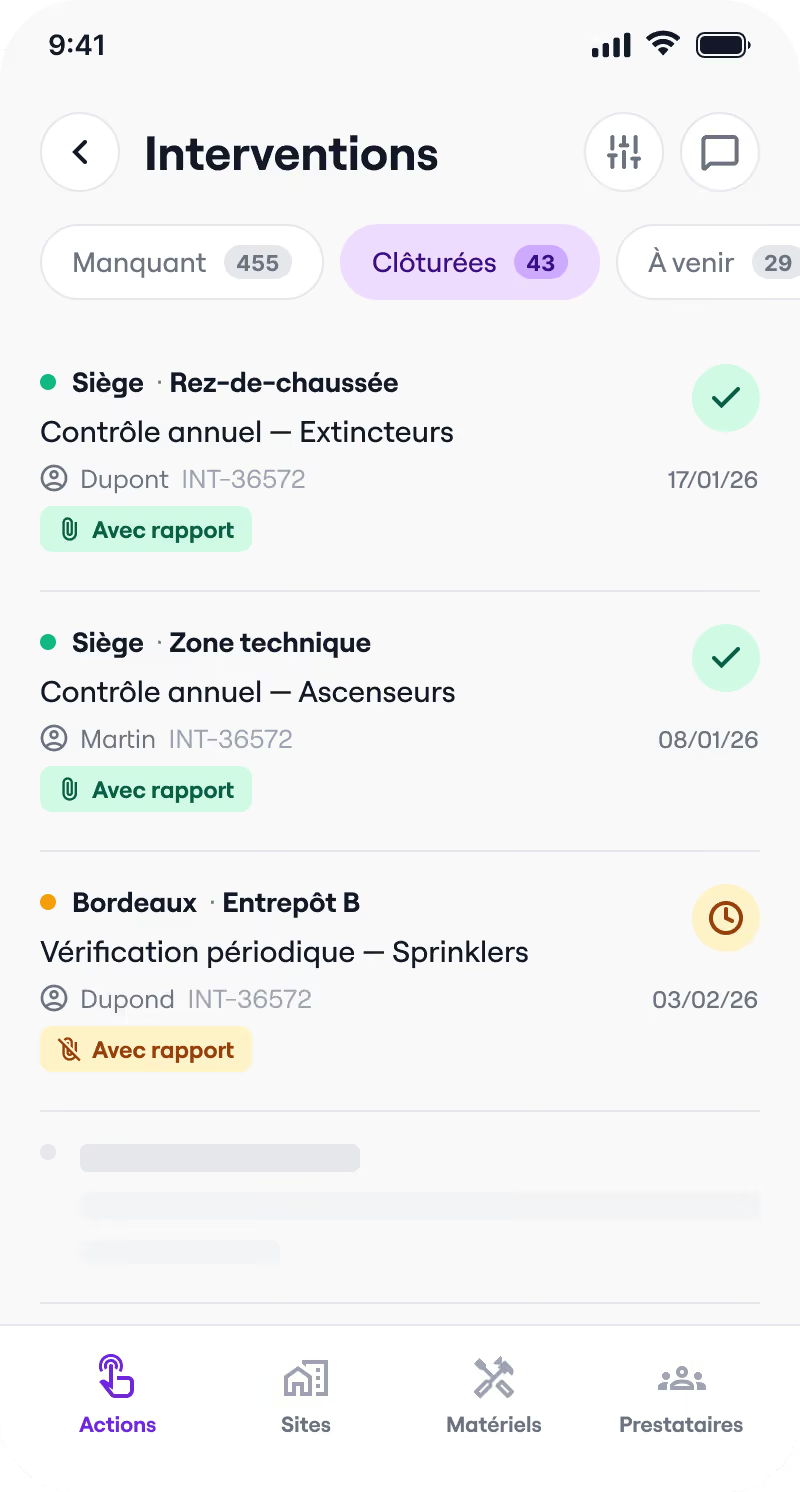

Safety register
Interventions, reports, training, commissions: everything that makes up your safety register is centralized and accessible in real time.
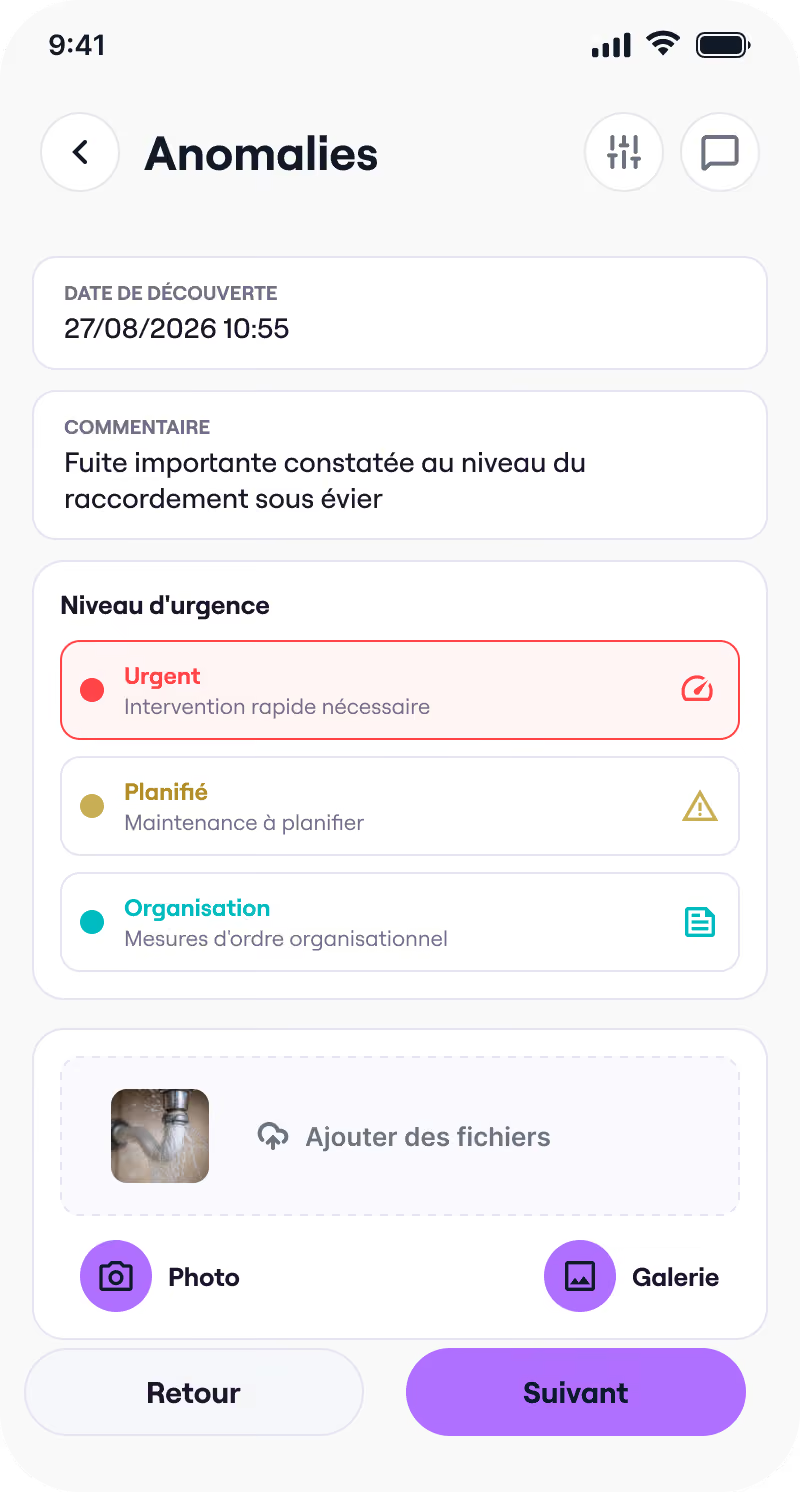

Building management
Anomalies, quotes, interventions, CERFA forms: centralize the management of your buildings and simplify your exchanges with service providers.
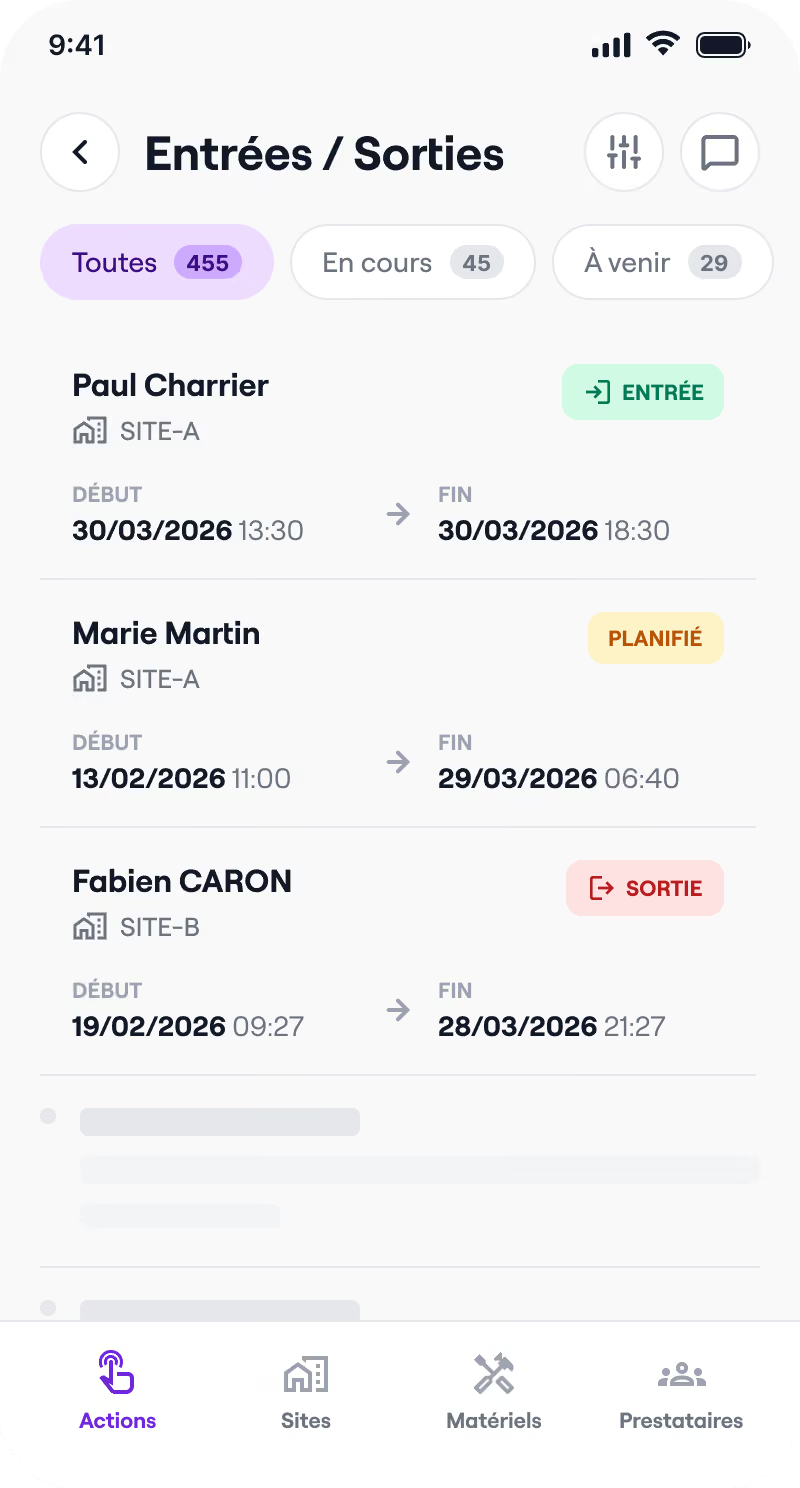

Visitor register
Track entries and exits, know who is on your premises, and act quickly in the event of an incident.
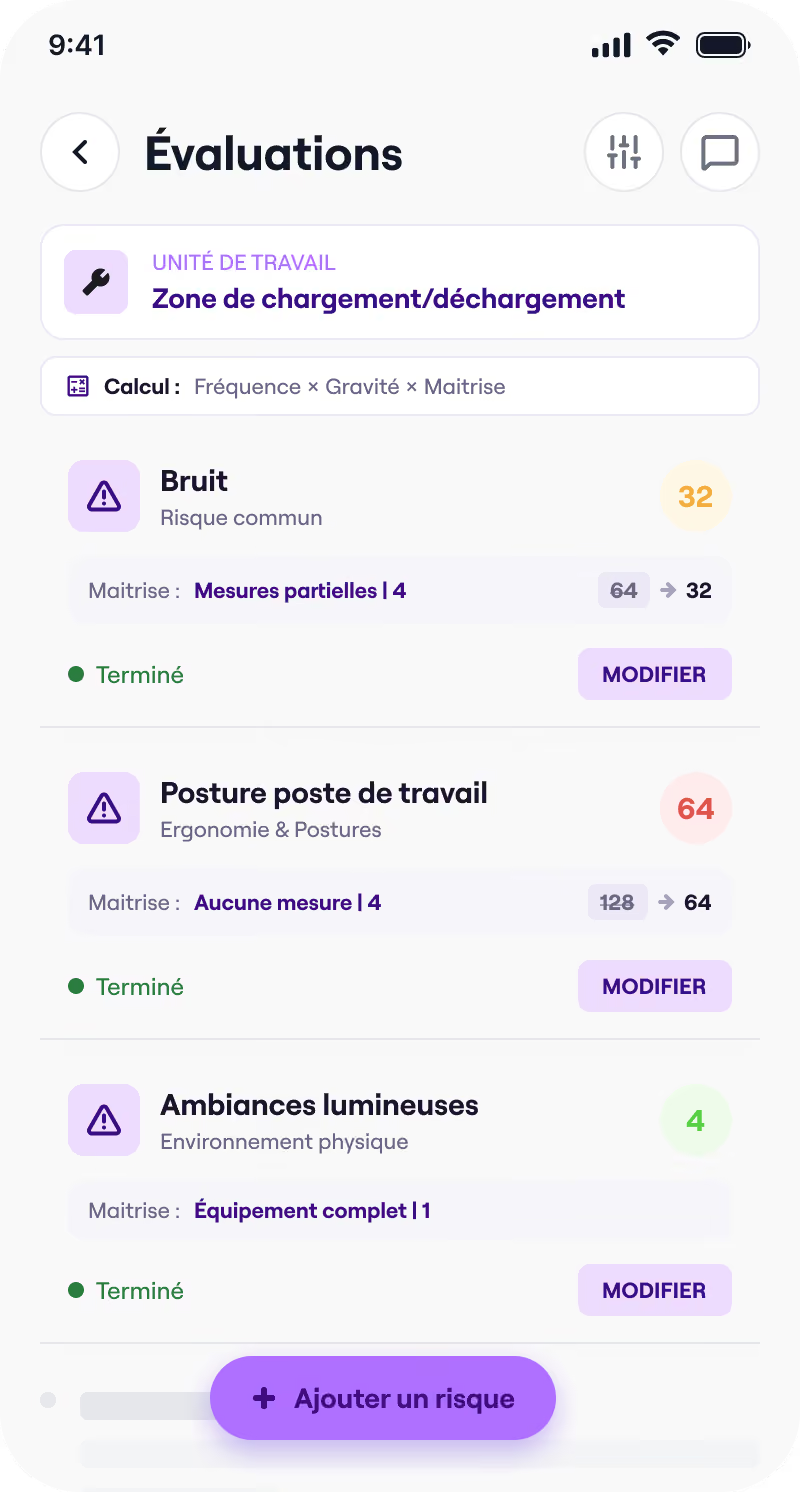

DUERP
Risk ratings, PAPRIPACT, reassessments: manage your occupational risks and your action plan from a single workspace.
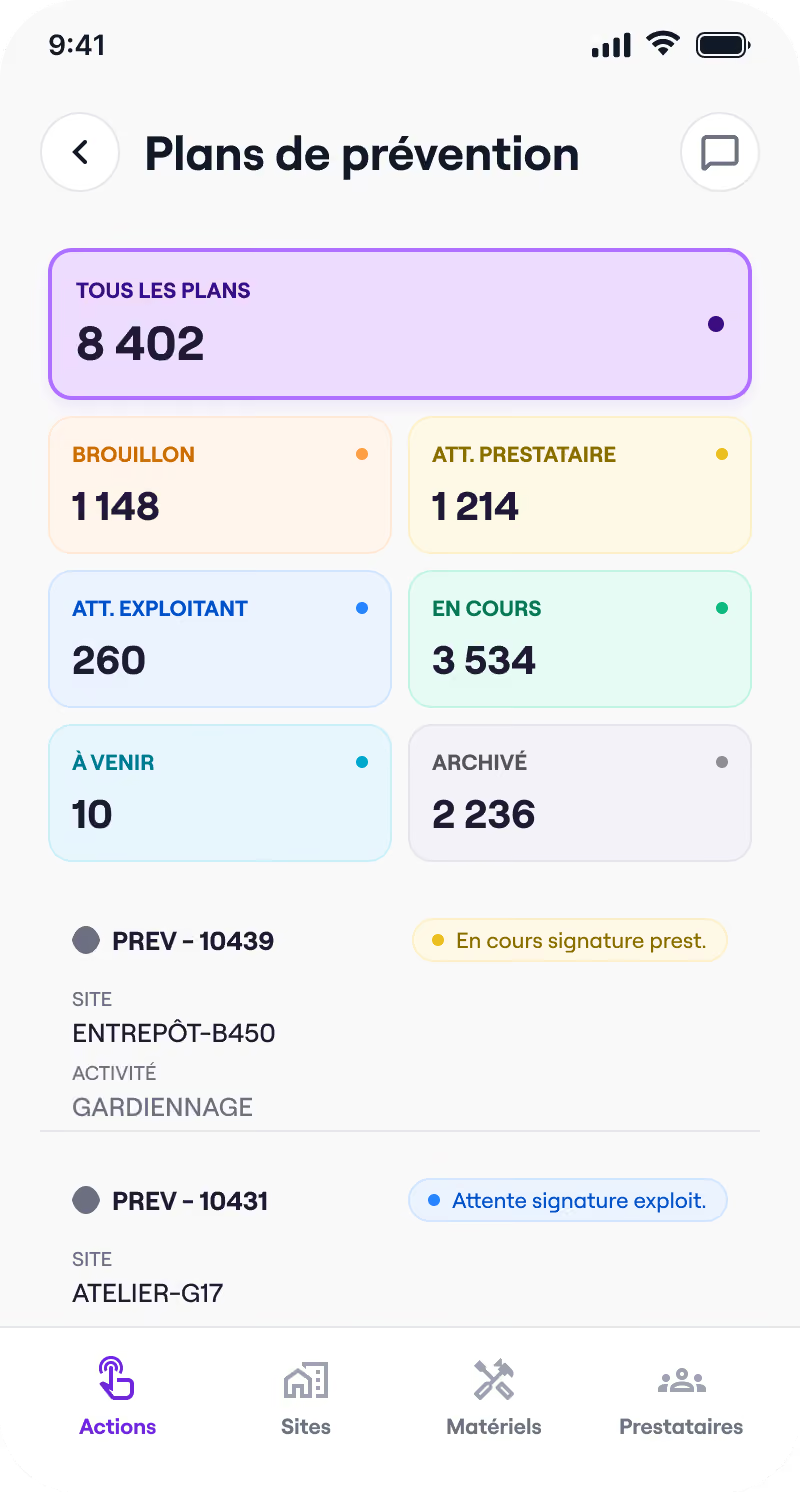

Prevention plan
Templates, guided completion, electronic signature: co-build your prevention plans with your service providers, remotely.
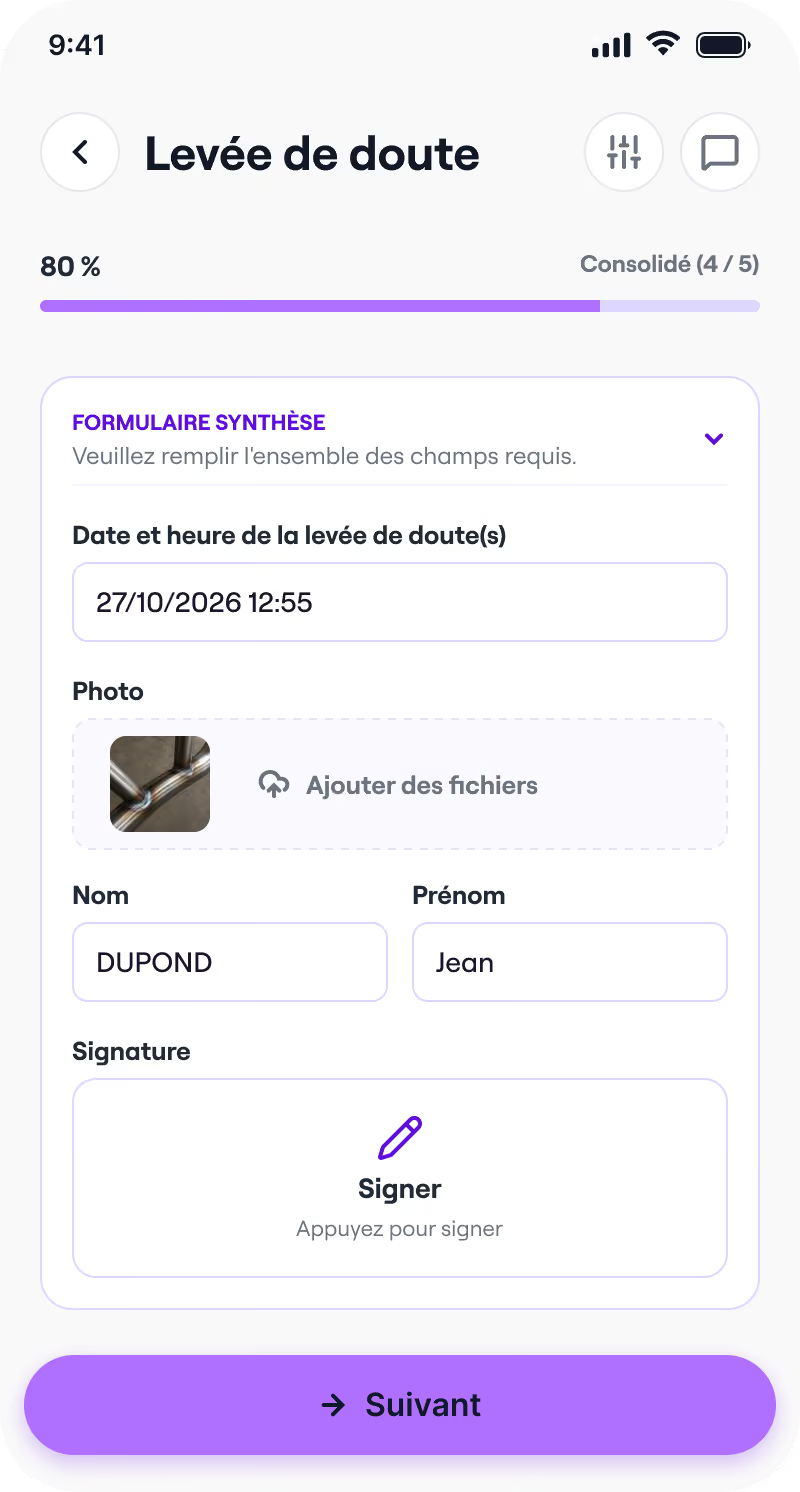

Fire permits
Templates, guided completion, mobile signature: issue and archive your fire permits before every hot-work intervention.
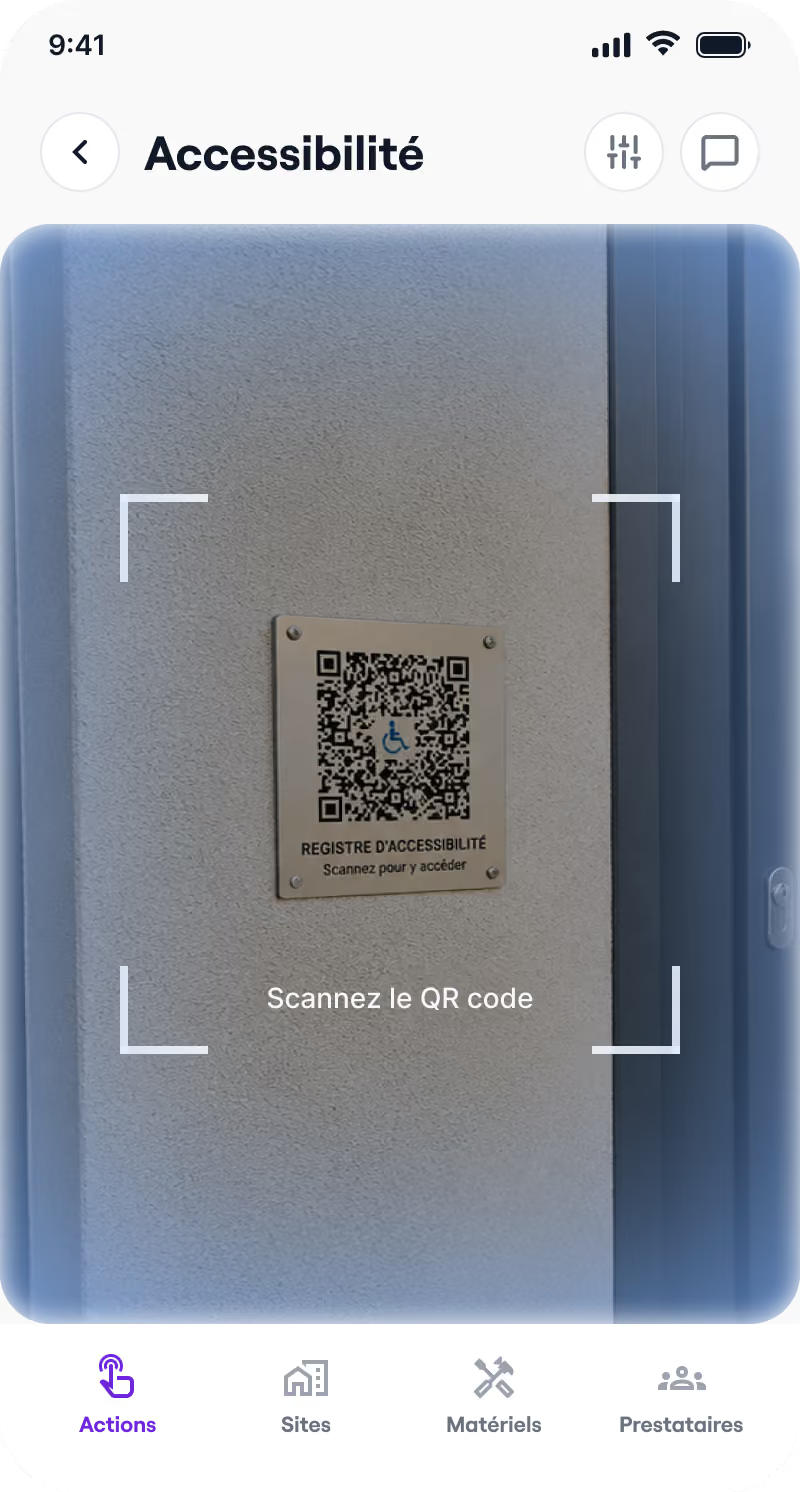

Accessibility register
Ready-to-use templates, guided completion, QR code sharing: keep your public accessibility register up to date.
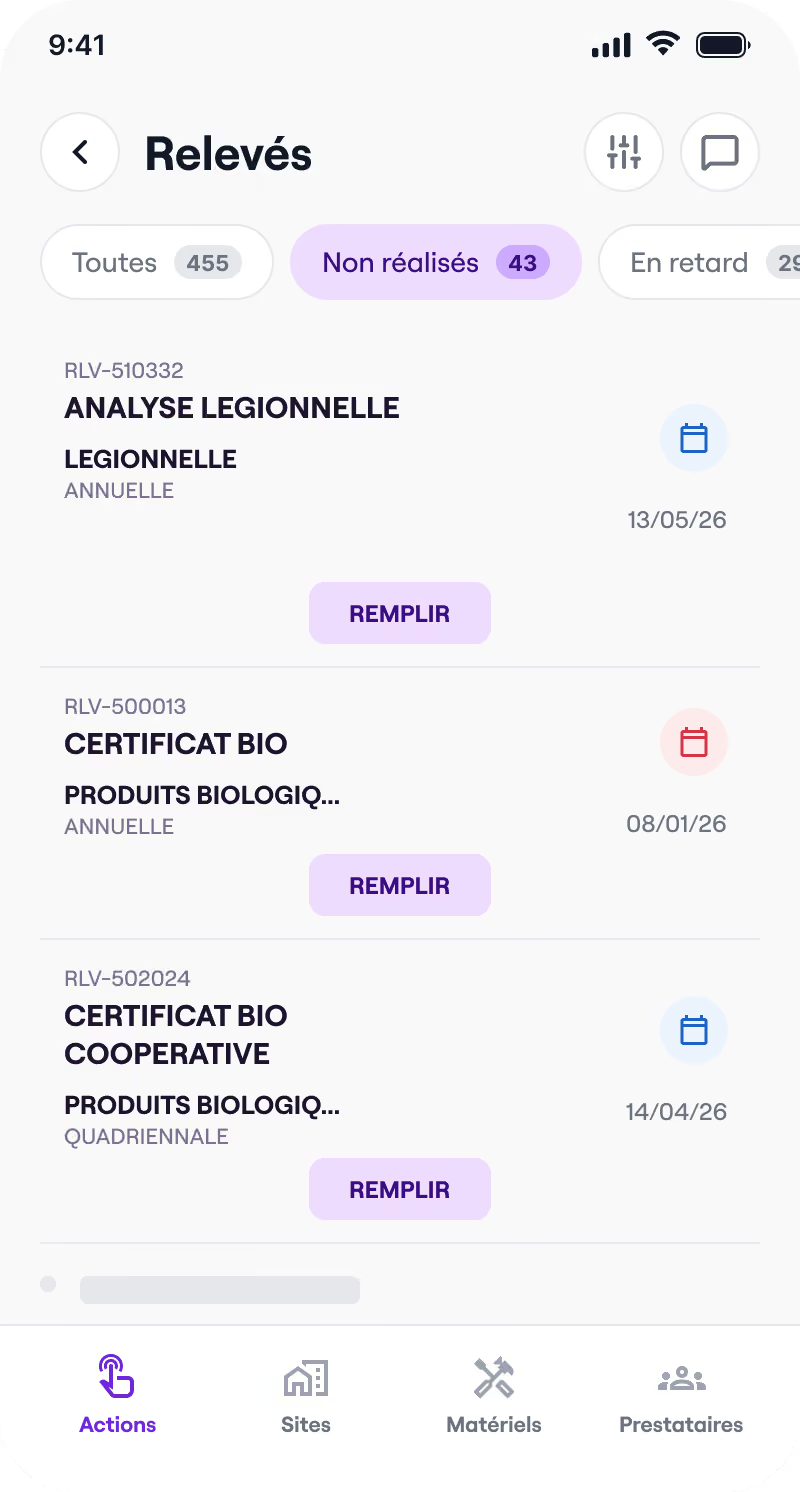

Health booklet
Control categories, readings, signatures: track your health booklet and your analyses, on site or remotely.
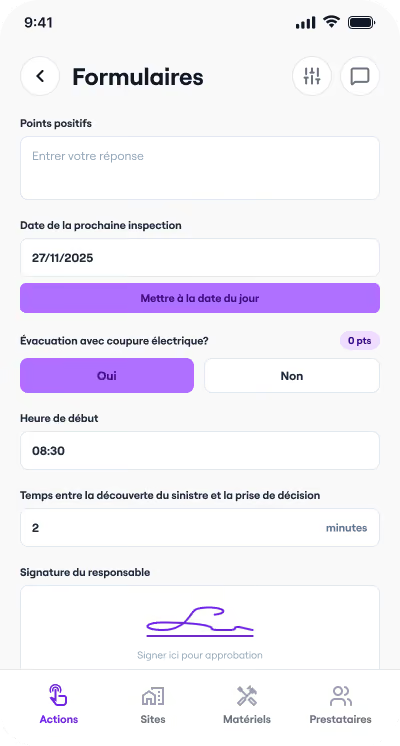

Forms
Create your own custom inspection forms, fill them in on the go and export them in one click.