


Create all your custom inspection forms and never miss a deadline again
Forget unwieldy spreadsheets: create, customize and track all your inspection forms from a single workspace, on the web and on the go.









Deemply s'adapte à votre organisation
Deemply est pensé pour les professionnels qui ont des obligations réglementaires à gérer au quotidien, quel que soit leur niveau d'expérience.
.avif)

Build your forms by drag and drop
You create your forms in a few clicks thanks to a wide toolbox: titles, short or long text, links, numeric fields, drop-down lists, checkboxes, dates, documents, tables or signatures. You position each element where you want it and preview the final result before approving.
Fill in and sign your forms on the go
From the Deemply mobile app, you fill in your forms directly on site, with no risk of losing information noted on paper. You grant your teams custom permissions based on their needs: create, edit or delete, with a view automatically filtered to the forms that concern them.
Track and export your forms at a glance
Four statuses let you track the progress of your forms: overdue, in progress, upcoming and closed. Once filled in, your forms can be exported individually as Excel or PDF files, making them easier to use and share.
Deemply covers all of your regulatory obligations
The Forms module is one of the 9 modules available in Deemply. Manage your other obligations from the same workspace.

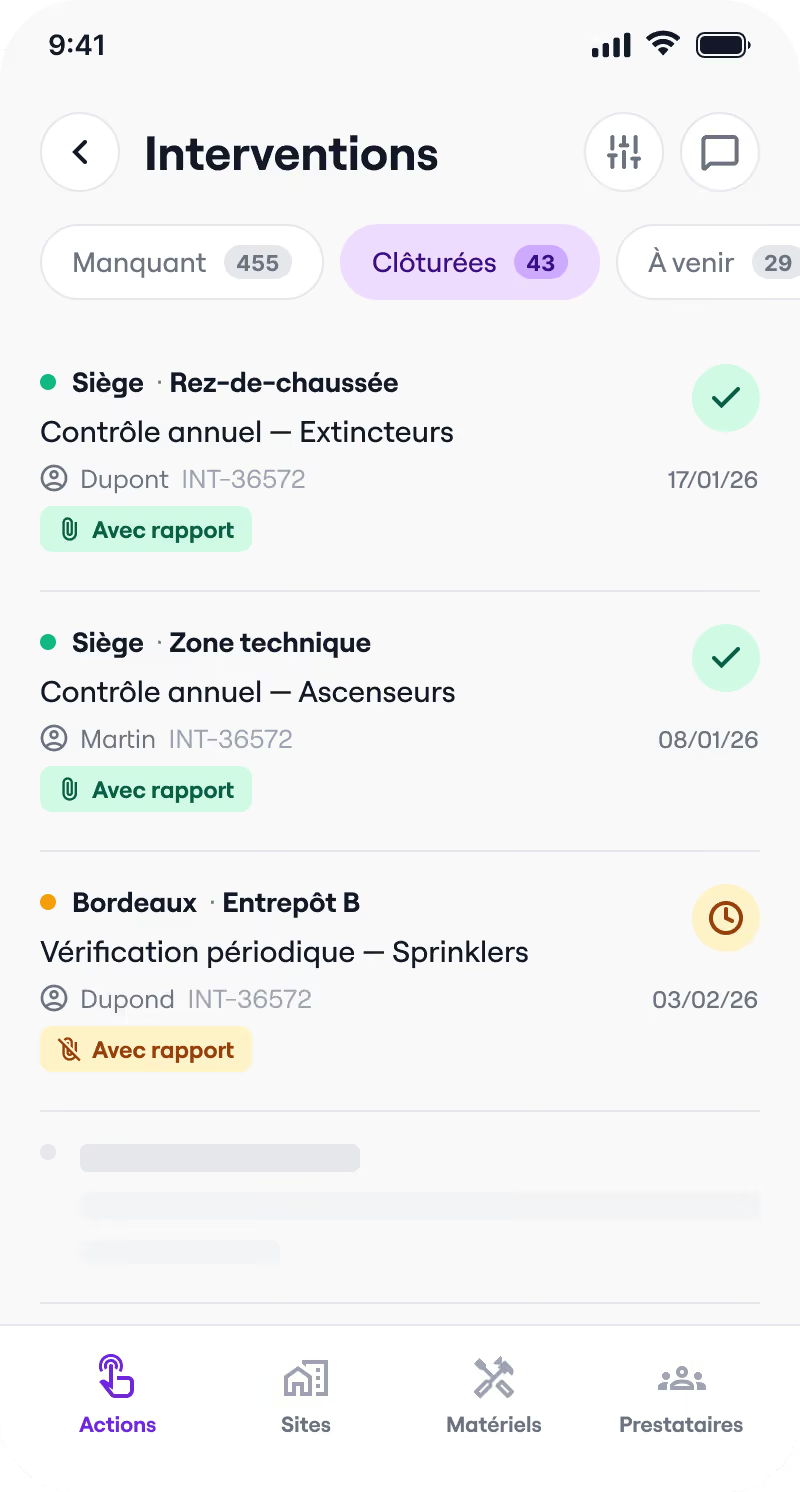

Safety register
Interventions, reports, training, commissions: everything that makes up your safety register is centralized and accessible in real time.
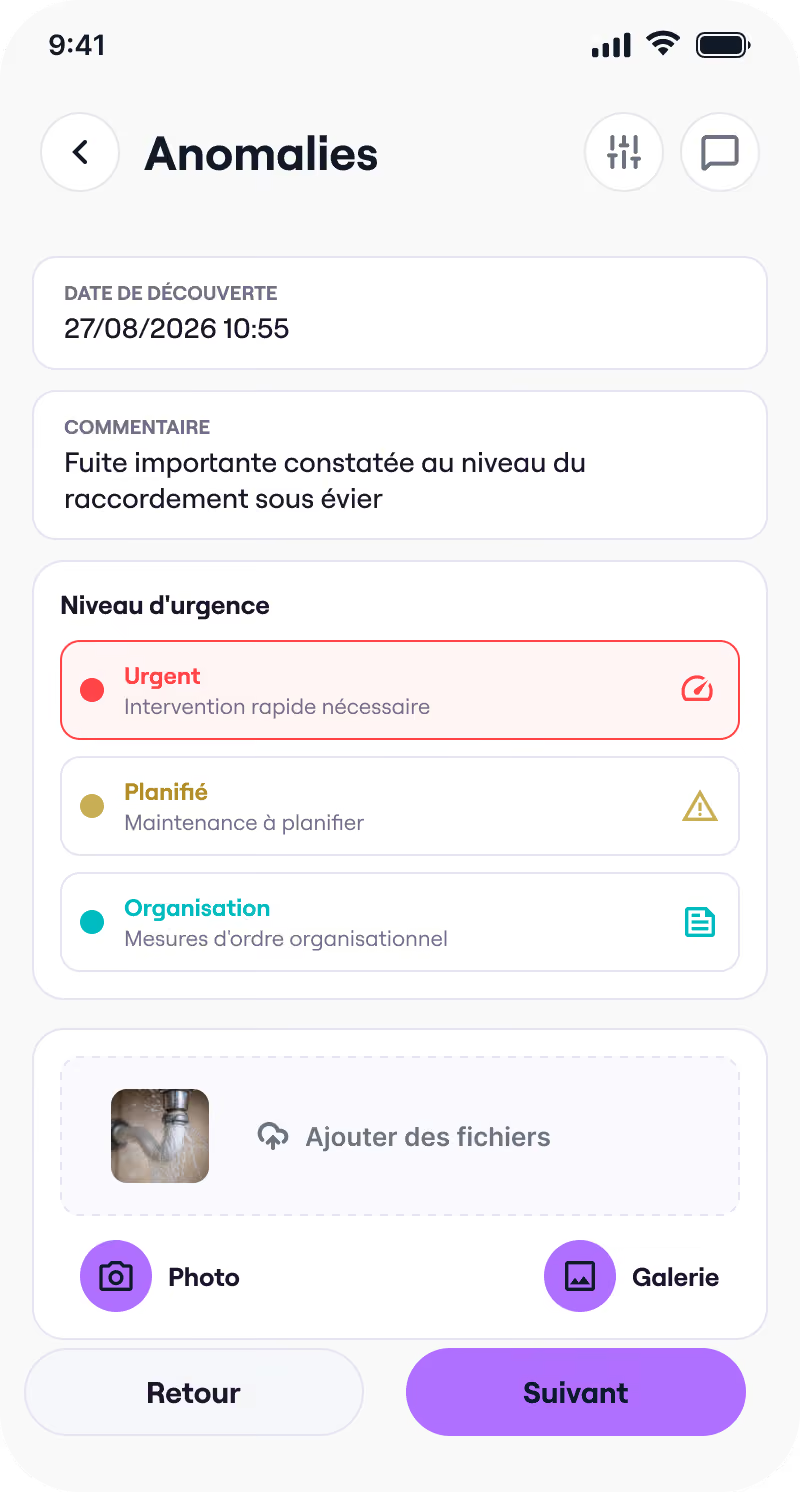

Building management
Anomalies, quotes, interventions, CERFA forms: centralize the management of your buildings and simplify your exchanges with service providers.
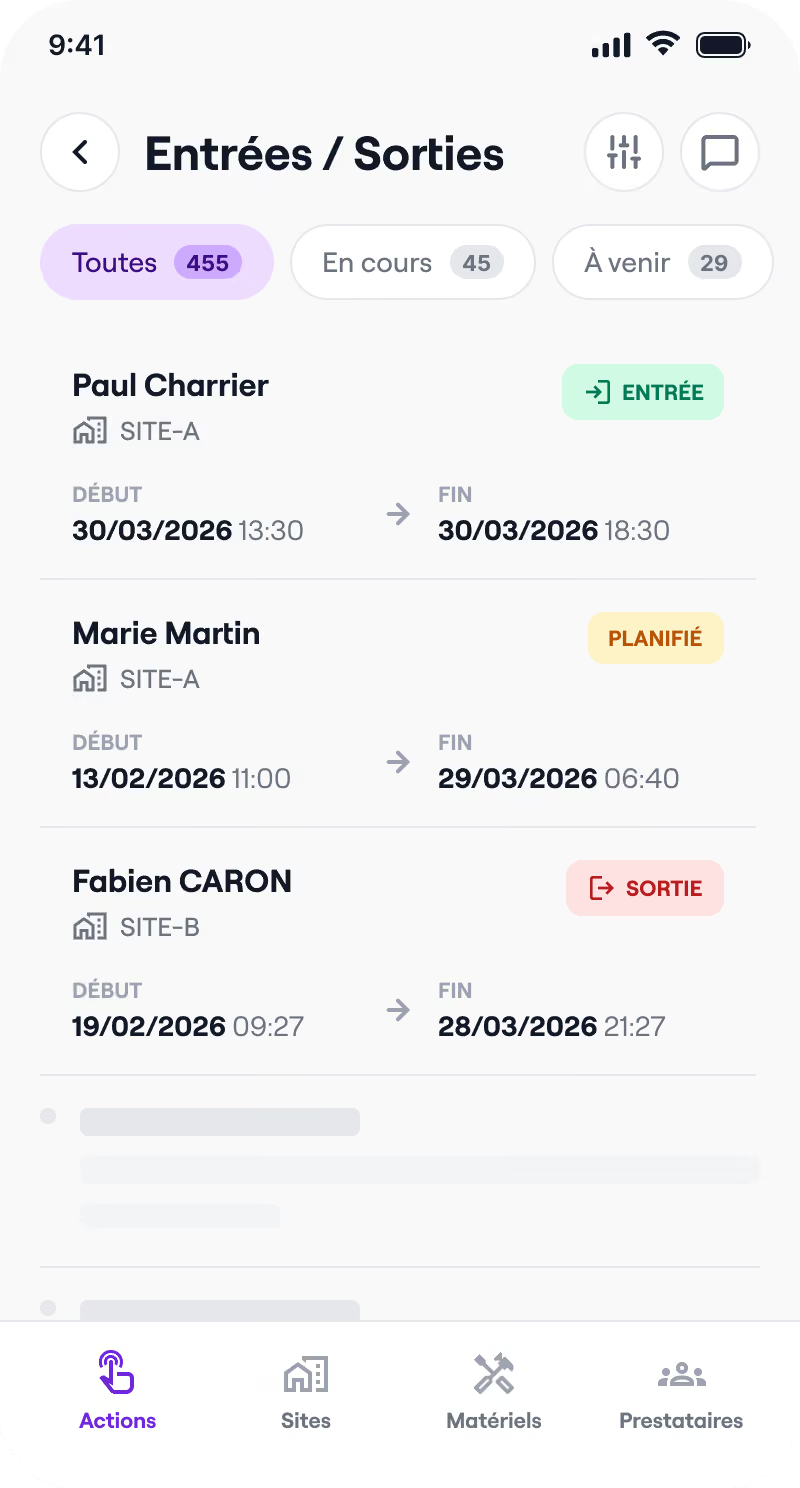

Visitor register
Track entries and exits, know who is on your premises, and act quickly in the event of an incident.
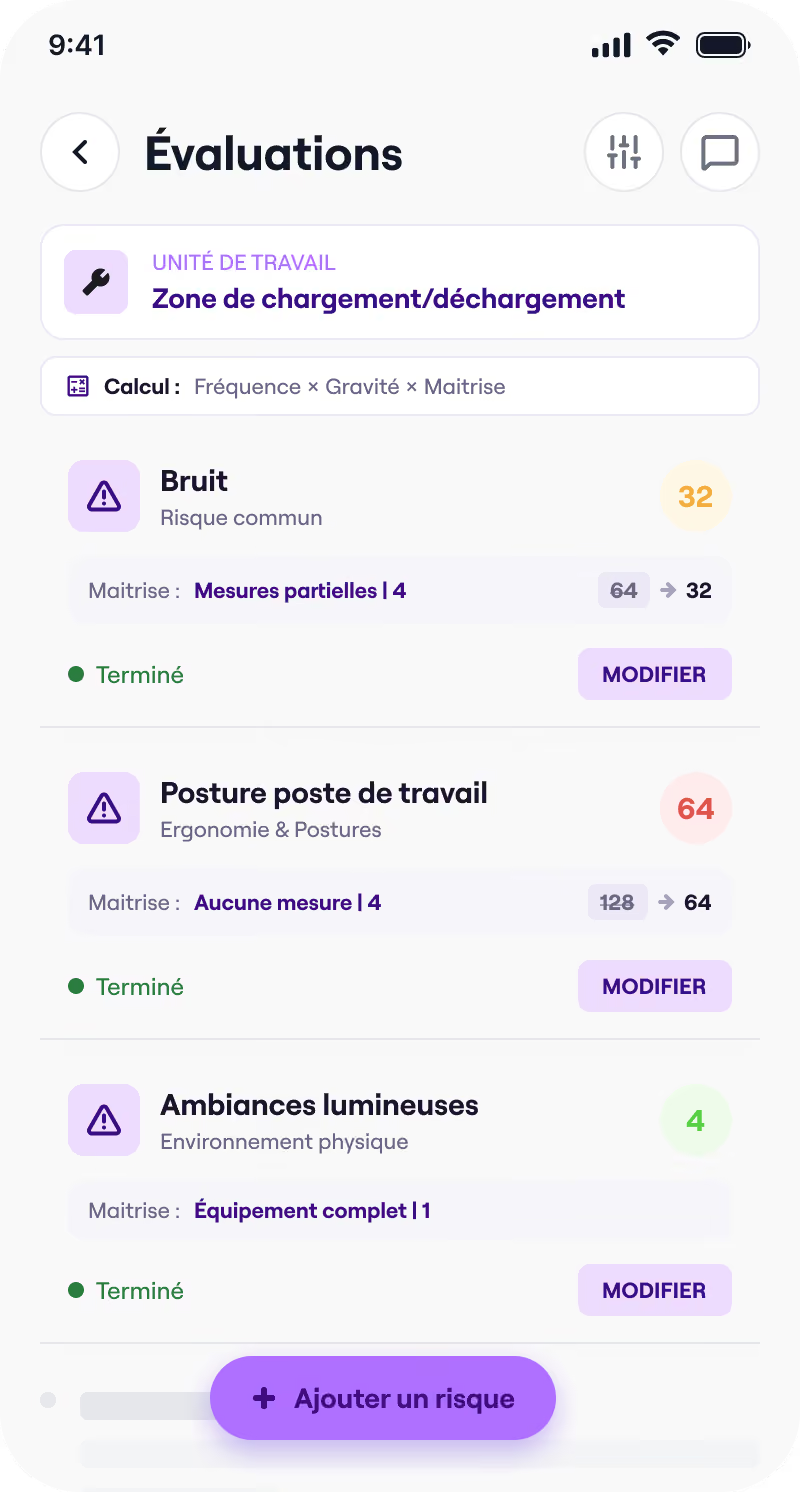

DUERP
Risk ratings, PAPRIPACT, reassessments: manage your occupational risks and your action plan from a single workspace.
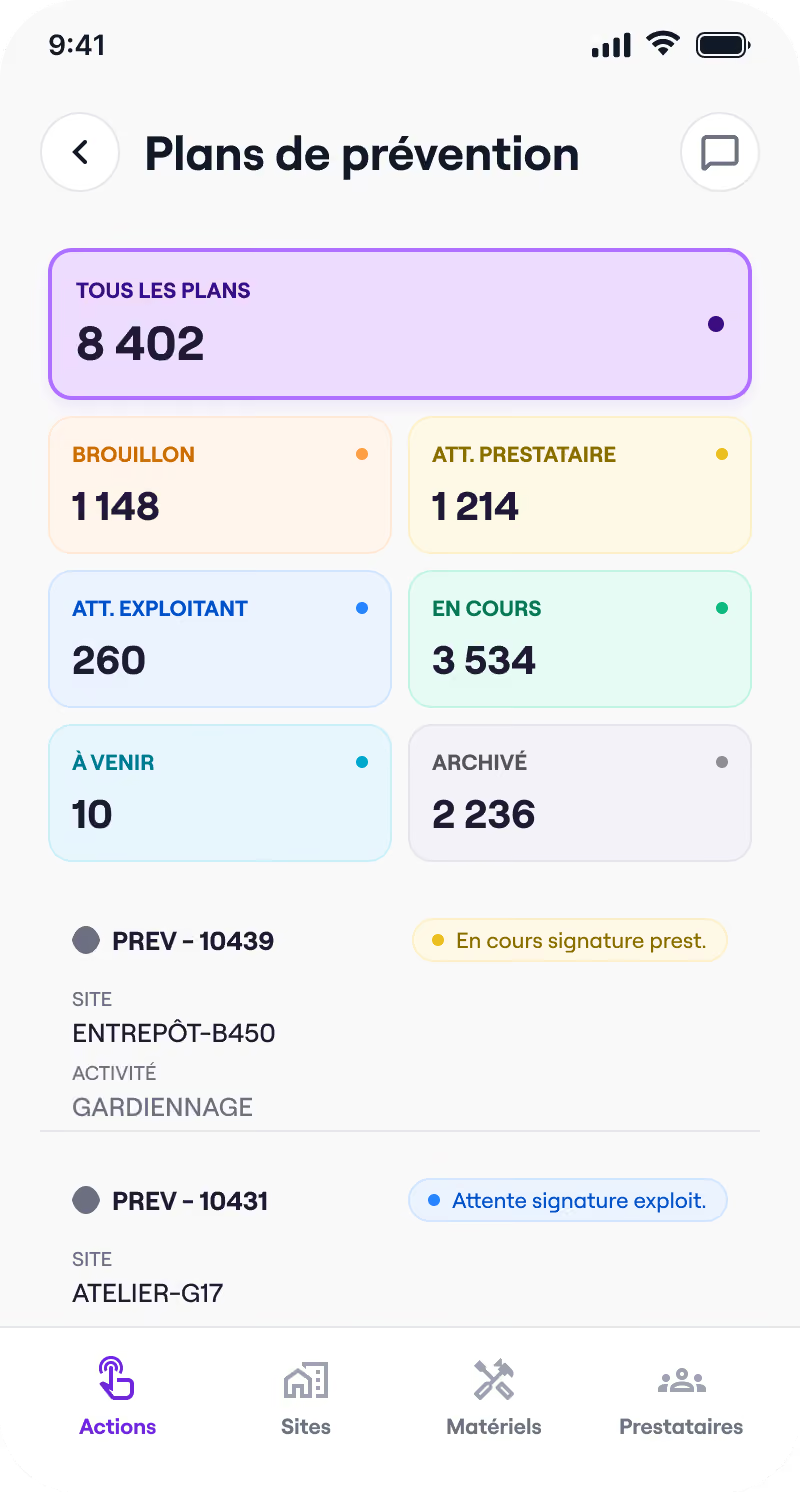

Prevention plan
Templates, guided completion, electronic signature: co-build your prevention plans with your service providers, remotely.
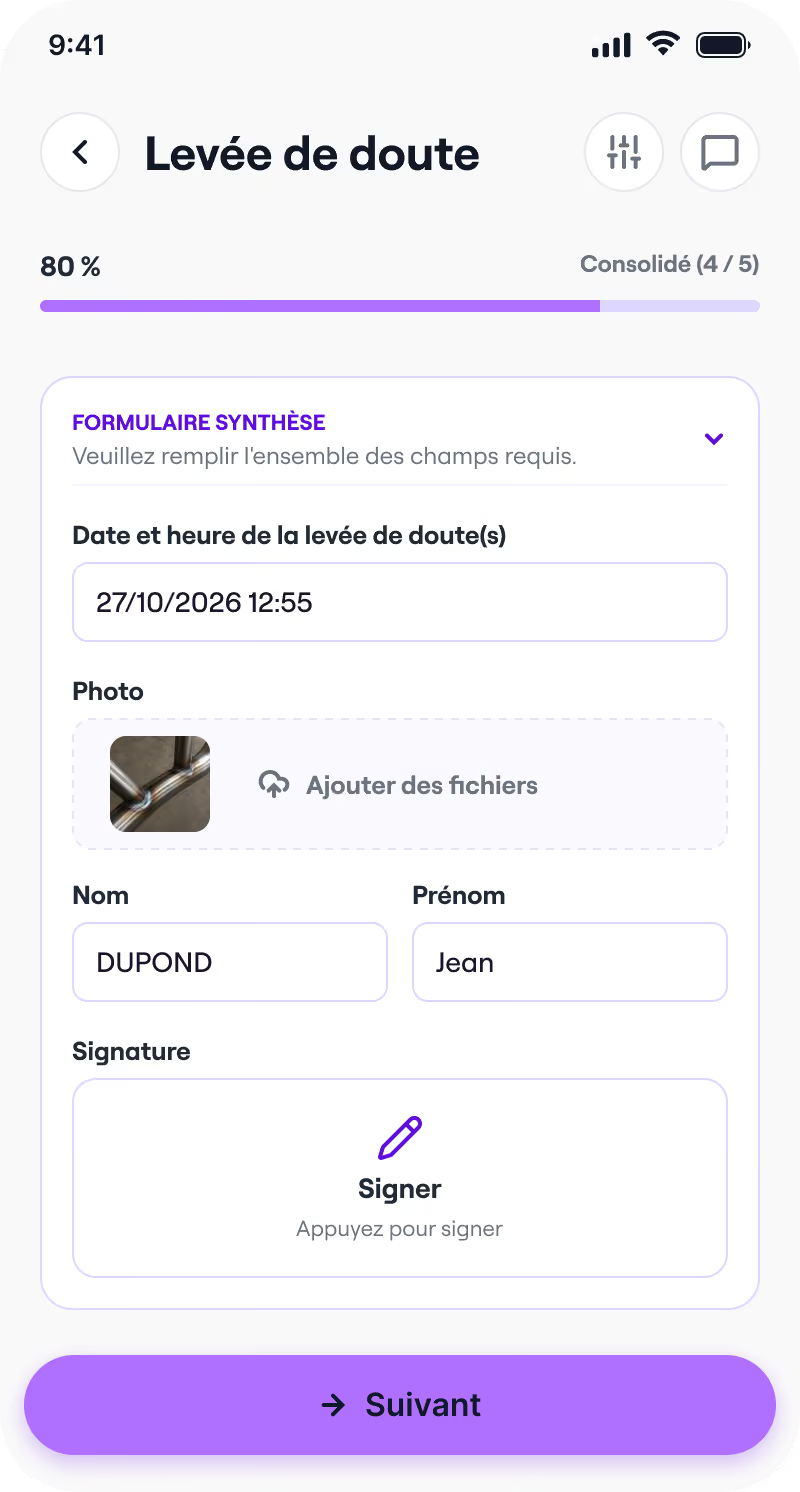

Fire permits
Templates, guided completion, mobile signature: issue and archive your fire permits before every hot-work intervention.
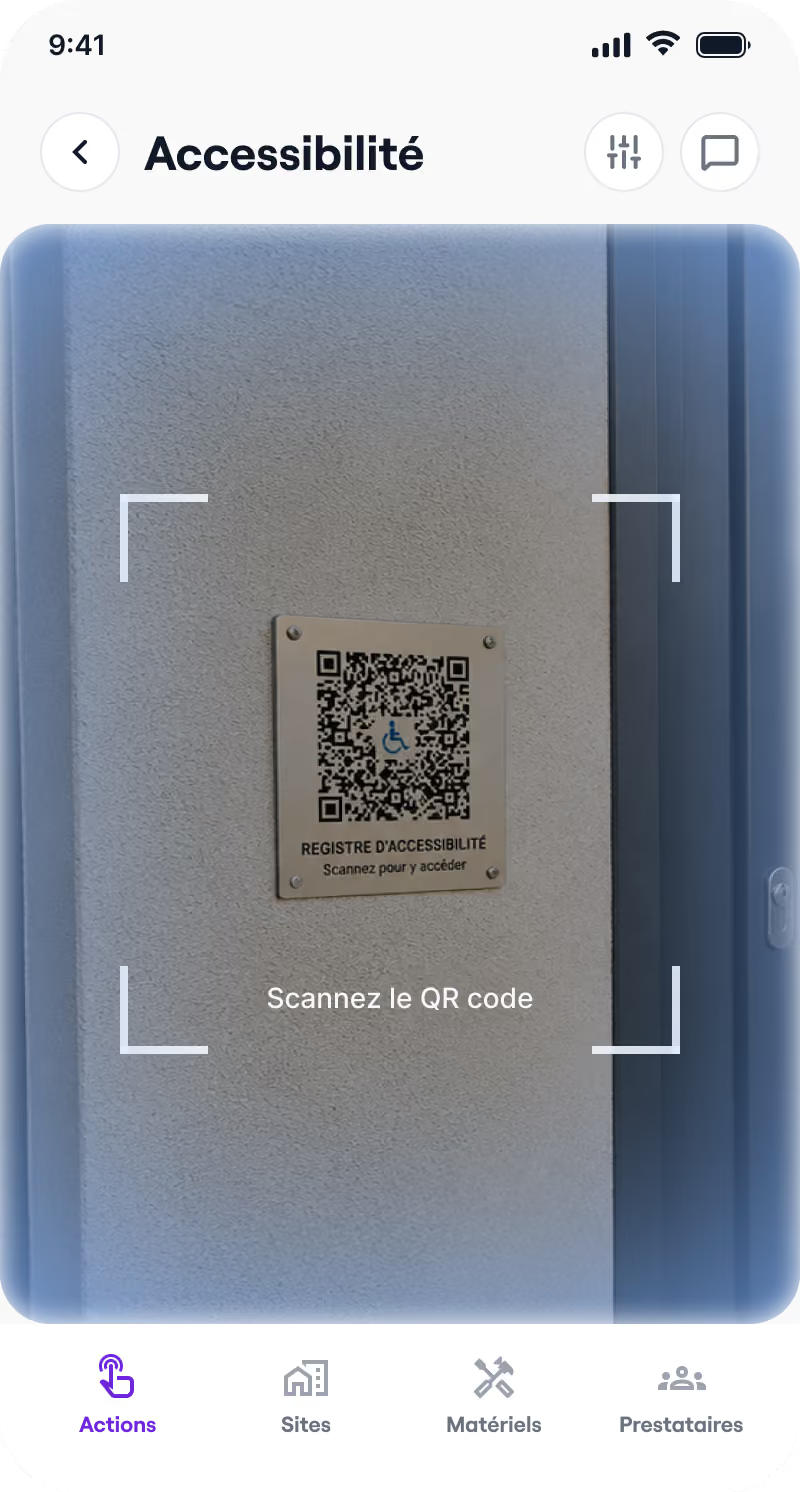

Accessibility register
Ready-to-use templates, guided completion, QR code sharing: keep your public accessibility register up to date.
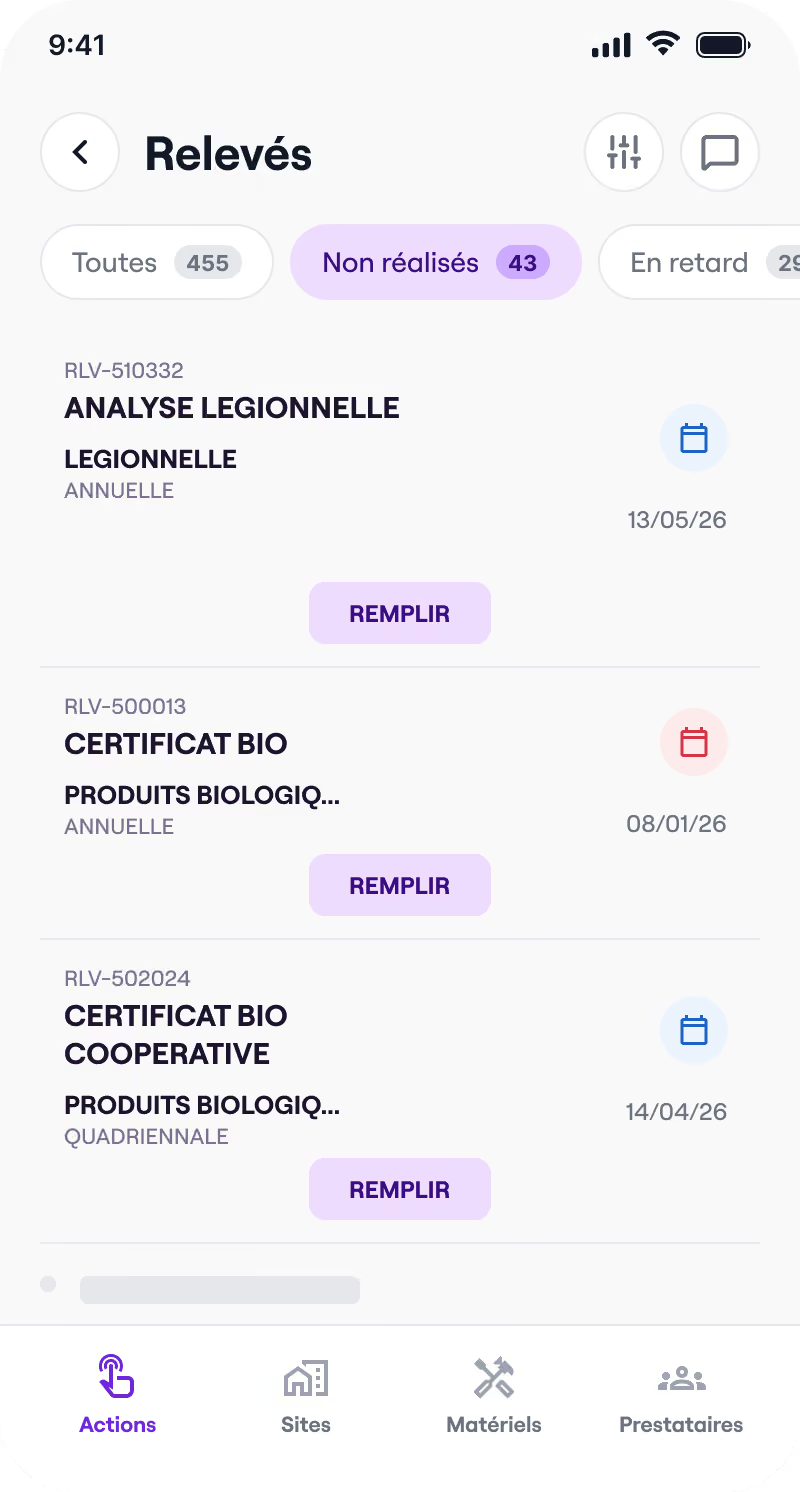

Health booklet
Control categories, readings, signatures: track your health booklet and your analyses, on site or remotely.
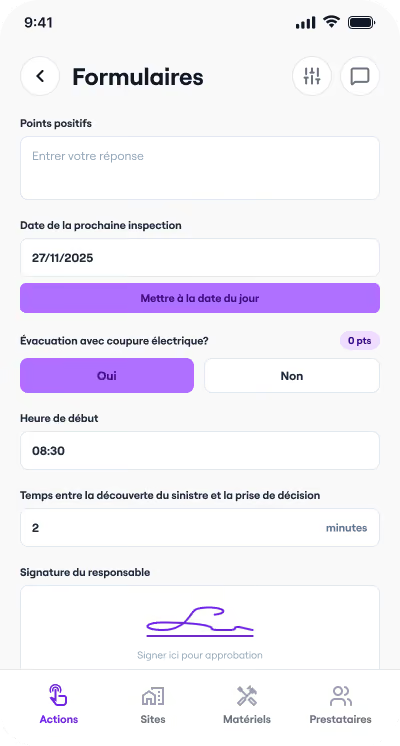

Forms
Create your own custom inspection forms, fill them in on the go and export them in one click.